📅 Posted 2026-01-29
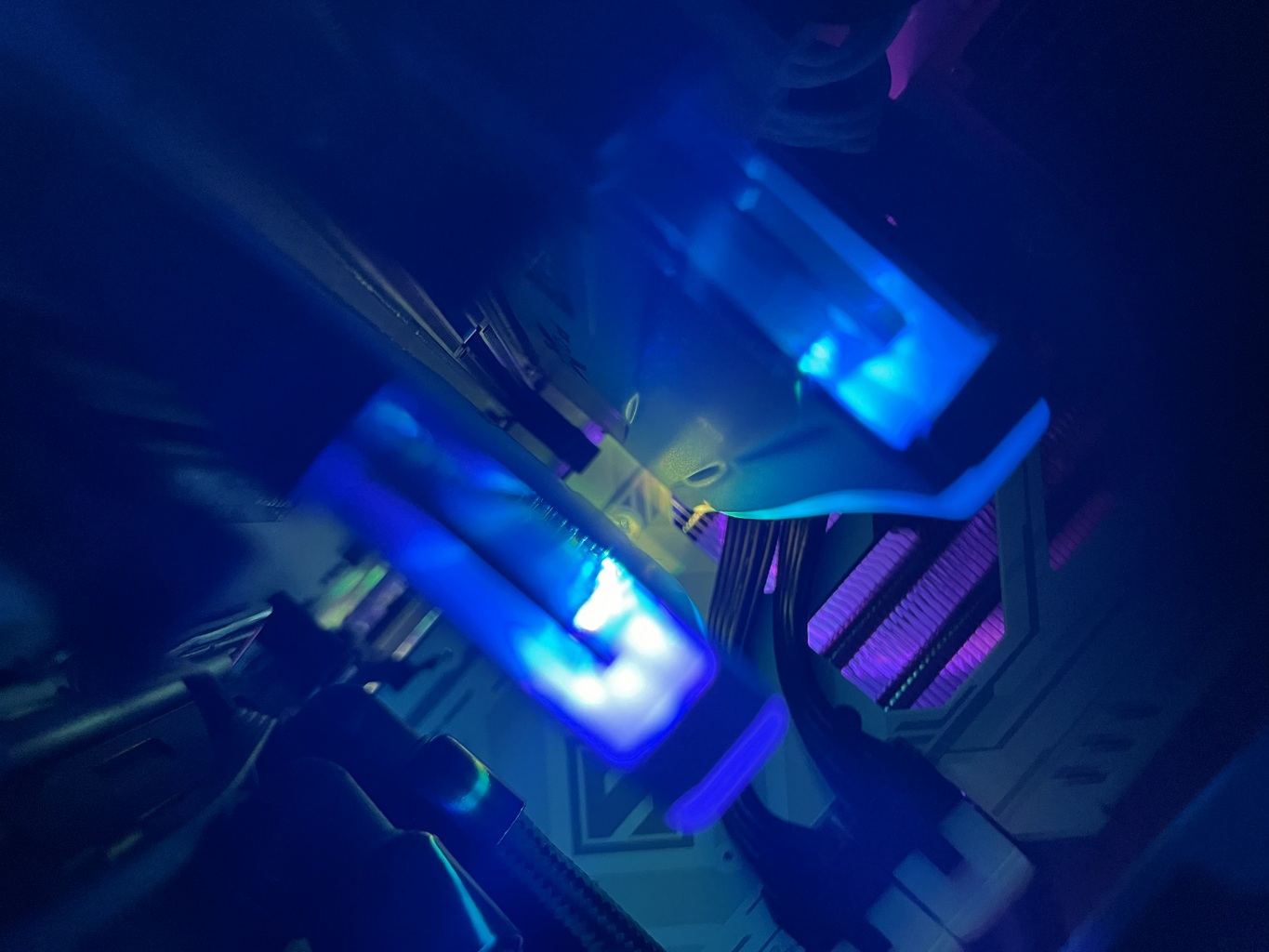
… or at least it was for me.
Crucially (pun intended) before the giant DRAM price spike in late 2025, I built a new gaming PC. There was really completely wrong with my old PC and it had lasted me many years but it was just at that age of starting to show struggles with the latest games like Blue Prince. Blue Prince doesn’t feel like a very taxing game, however my PC did struggle to render the outdoor scenes where there was a lot of scenario in the frame. I’m using parts of my old PC right now to draft this blog and it continues to serve me well despite having a GTX 1070 from who-knows-when.
But enough about nVidia because I still can’t get used to the fact that the company that brought some of my fondest memories of video cards throughout my PC upgrading time including the likes of a TNT2, GeForce 6600 GT or 8800 GTX… is the same company that is powering all the AI shenanigans we’re seeing at the moment.
As I’ve only got a couple of Windows 11 licences in use and I didn’t fancy buying any more, I gave Linux a spin with my typical distro of Ubuntu which I’m very familiar with. It doesn’t seem to be quite the hotness trend anymore but generally works well (if you ignore Snaps). I’m still keen to try an immutable OS like Bazzite, which I may still try one of these days when I’ve got a moment. So, Ubuntu it is for now.
It’s just so easy to use Linux from start to finish. No, seriously. I know there’s a lot of chatter on HN at the moment about ditching Windows for Linux as it’s really on trend, but if you’re unsure what the fuss is all about, you really should give it a spin.
This is my experience:
- Linux installs faster and asks less random questions (especially questionable privacy controls, up-sells for Copilot and OneDrive and general shady data sharing, Mr Microsoft)
- It was easier to get my USB stick set up with a bootable ISO after Windows gave me a lot of grief depending on which tool I used to image the USB stick (much time wasted here)
- There’s no faffing about with drivers, everything ‘just works’ out of the box - I did join Team Red (aka AMD) and this helped a lot given Radeon drivers are built into the kernel and work well with performance either on par with Windows (or better)
- Fired up Steam, installed some games, and away I went happilly gaming for all the games I care about
- I haven’t really discovered a Steam game which hasn’t worked flawlessly on Linux, except for Skate but everyone seems to hate that game, and EA, and I don’t care that it doesn’t work
Perhaps Linux is still on the edge for some workloads like music production (although I’ve heard Bitwig is amazing) but for regular use and any game I want to play, it works really well for me.
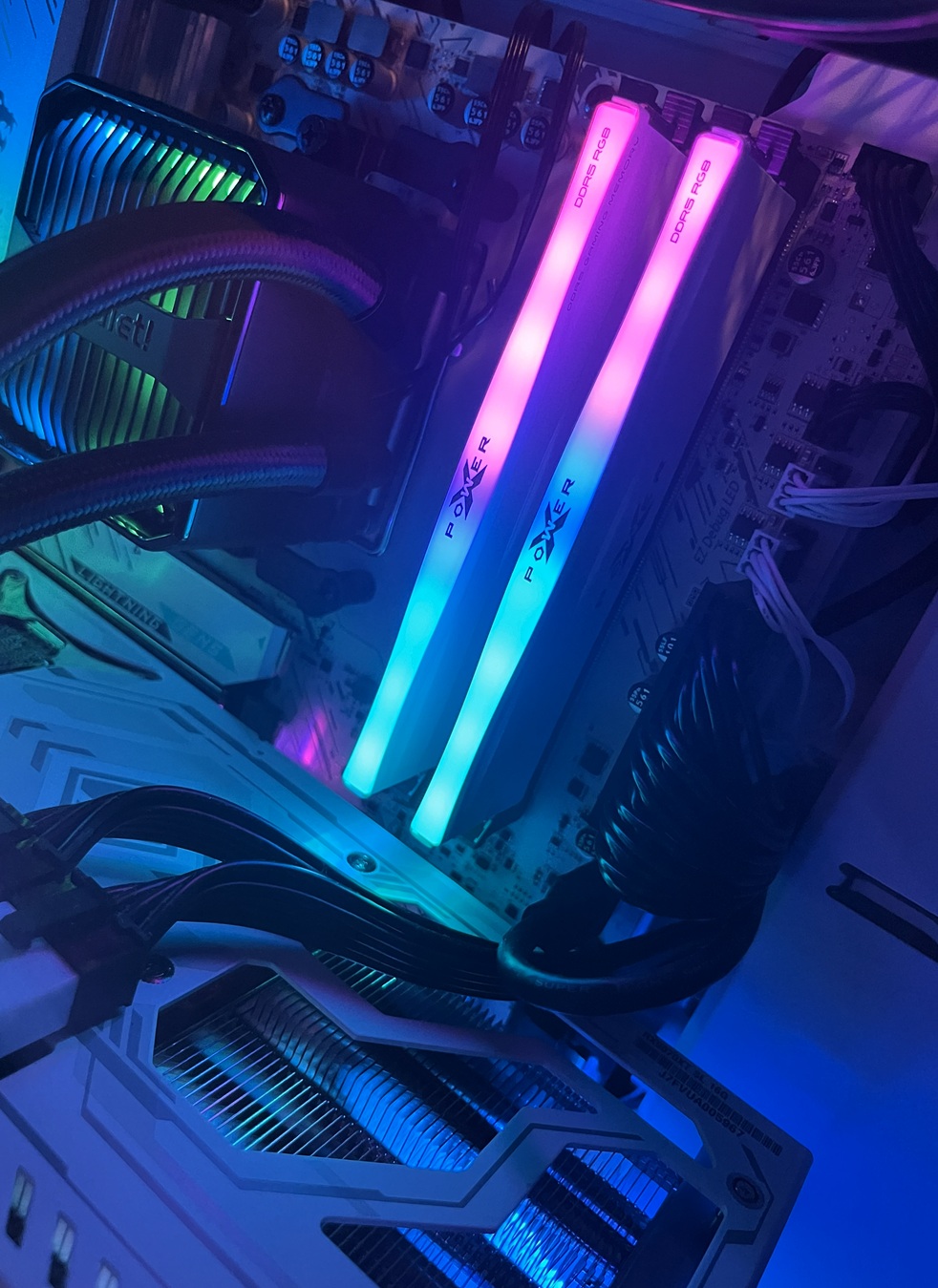
I went all-in on the whole RGB thing, a bit of AIO watercooling and found matching components which are in a ‘white’ theme. I actually like the RGB effects and I think it can be done tastefully. You may disagree. And that’s fine.
I spent a measurable amount of time ensuring everything was neat, with lots of cable routing and management opportunities behind the mobo tray (just don’t open the other side of the case - whoa cable mess). This used to be really hard back in the day immediately after adding a plexi-glass window was in vogue for PC building and LAN parties. Now, we’re still got sheets of glass adorning our PCs but we’ve also got a lot more tricks up our sleeves to make things tidy. And sometimes sleeving is the answer.
I still can’t decide if I want the watercooler radiator on the top or the front. The top is definitely better for the video card and meant I could have fresh air directed into the card with a plastic duct, but the radiator would block a fair amount of the internal parts of the case, so I’ve probably gone for the aesthetic option here over absolute performance. Regardless, ensuring air never gets to the pump is the best advice I’ve read.
So, it’s currently in form-over-function mode.
The biggest thermal difference however was the undervolting settings for the AMD CPU. It makes a whopping 10’C difference (under a stress test load) by running the CPU under the standard voltage with out any stability issues whatsoever. It also draws less power so it’s a complete win-win. Recommended. This video is a great guide, but the settings (for safe keeping - my bios did forget everything I taught it once already):
PBO = advanced
PBO limits = manual
PPT = 115w
TDC = 90A
EDC = 105A
Curve optimiser:
- All Cores
- Negative
- Value 25
This happens to be the settings for the Ryzen 7 9800X3D on an MSI Mobo. I haven’t checked power consumption but makes sense it would be lower. I also haven’t investigated going even more aggressive than this, since this seems to work and I’d rather spend more time gaming than chasing diminishing returns 5 levels deep in the BIOS.
The other tip I found is leveraging v-sync in games, which caps the framerate to the refresh rate of your display. I’m running this PC hooked up to my TV at 120hz which is plenty of frames for my eyes. Enabling v-sync really lowers the performance demand on the GPU and keeps things much less toasty. I imagine the power bill would be reduced, given going full-tilt the GPU I’ve picked up can soak up over 300 watts of power!
Here’s the final spec of the build:
- CPU: AMD Ryzen 7 9800X3D
- Case: Fractal Design Pop Mini Air RGB White Micro ATX
- RAM: Silicon Power XPOWER Zenith RGB 64GB CL30
- GPU: ASROCK RADEON STEEL LEGEND RX 9070 XT 16G
- NVMe: Kingston FURY Renegade 2TB M.2 NVMe PCIe Gen4
- Cooling: be Quiet! Silent Loop 3 240mm RGB AIO Liquid CPU Cooler
- PSU: Super Flower Zillion FG Gold 1250W ATX3.1
As for the old PC parts? They’ve been recycled into a 2RU server as follows (which will be running Linux of course!):
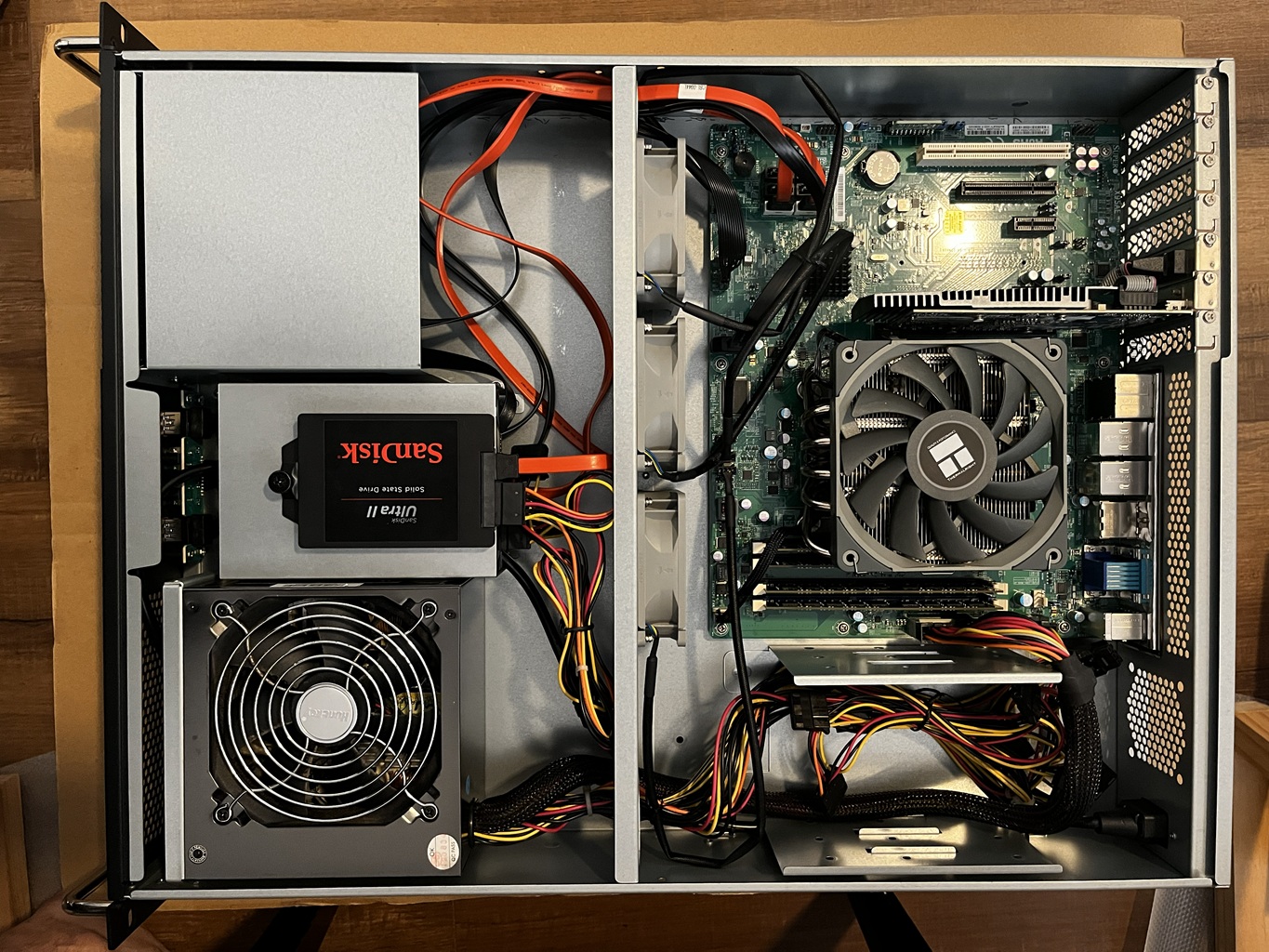
Was this as fun as building PCs in the early 2000’s? Absolutely. It was so good to build a whole PC and tinker with all the components - including some newer kit like watercooling which I could have only dreamed of back in the day.
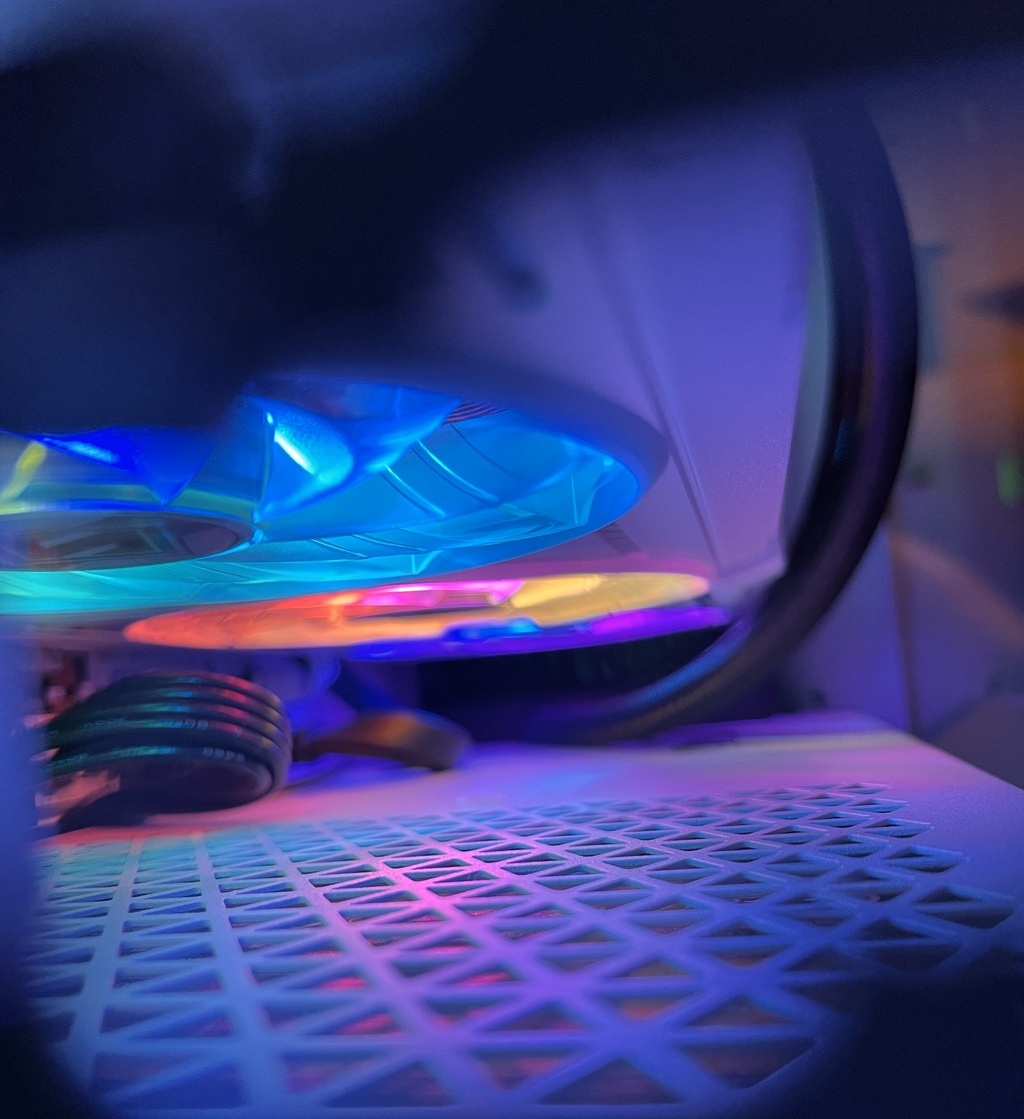
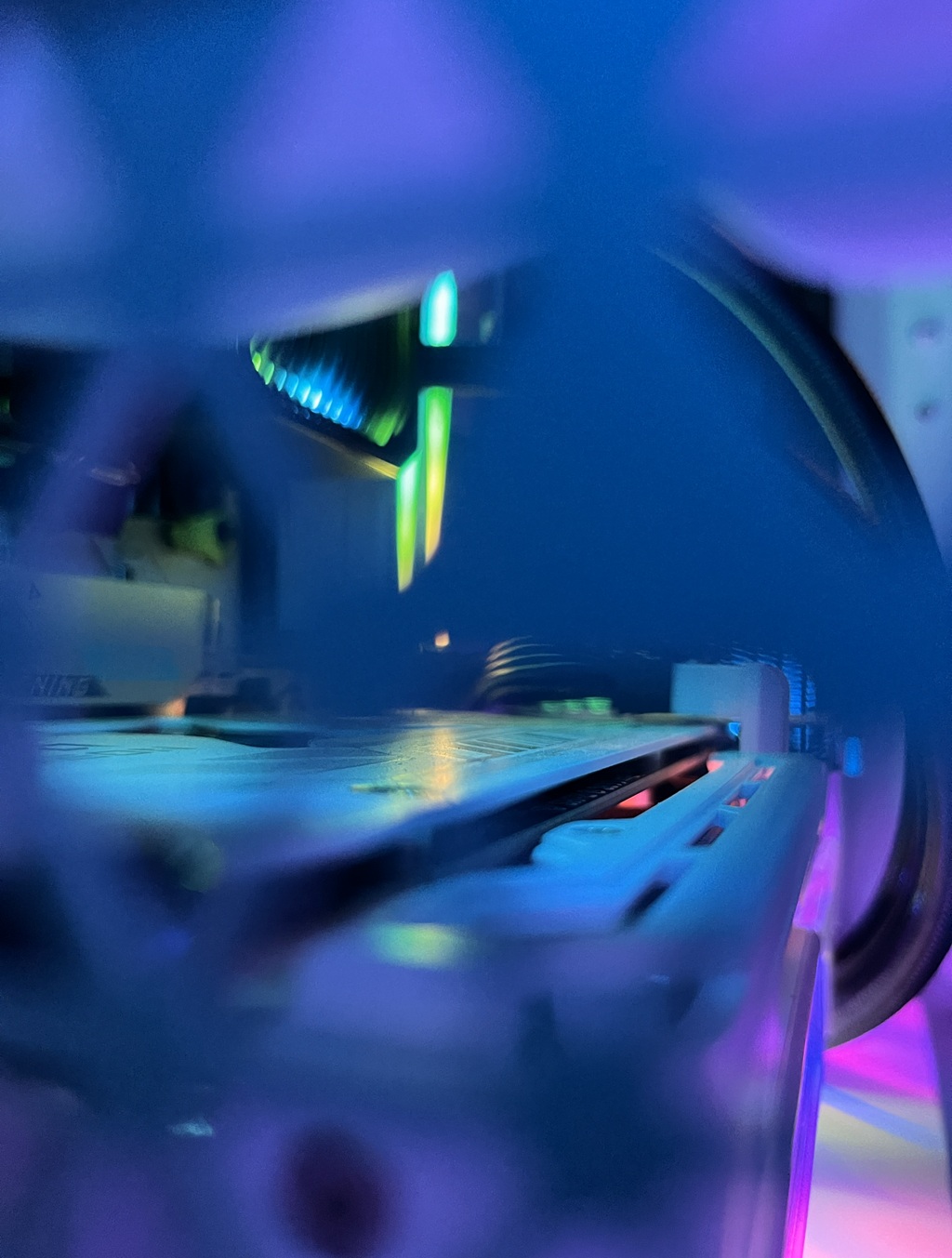
Here’s some of my favourite shots of the build:
Like this post? Subscribe to my RSS Feed  or
or  Buy me a coffee
Comments are closed